
New · Online groups
Join a group from your phone.
In-person groups are still the best way to do life together. If you’re not able to be part of an in-person group, you can join one online: book clubs, City Groups and Bible studies. No app to download and no account to set up. Just a link, a group code and your first name.
Coming up
Pick a group and ask to join. A leader will send you the link and the code.
 Book club
Come and See · Online Book Club
Jan 11 – Feb 6, 2027 · 4 weeks
Read one chapter a week of Come and See right on your phone. The questions are built right into the reading, and the conversation opens up once you share your own thoughts.
 City Group
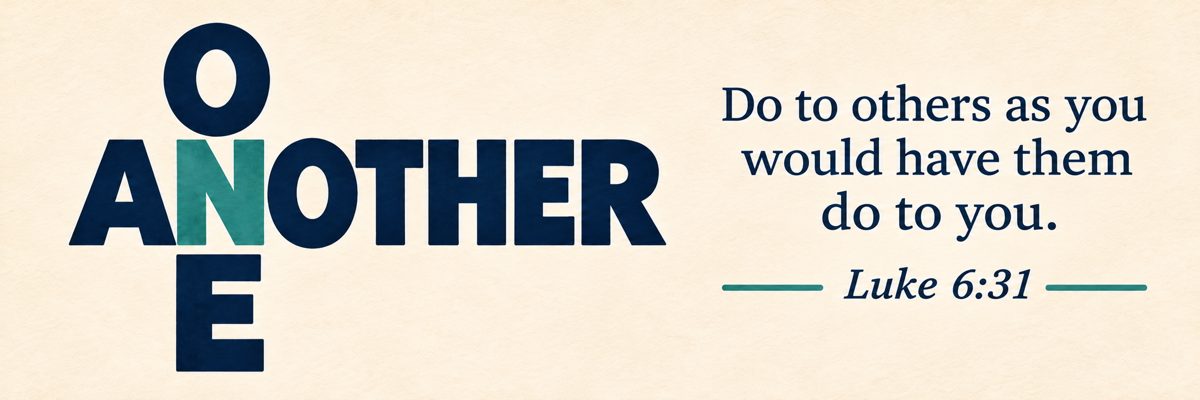
One Another · Online City Group
Starts Sunday, Jan 31, 2027 · 8 weeks
Eight weeks on how the Bible tells us to love each other: forgive one another, carry one another’s burdens, encourage one another. Same questions as our in-person City Groups.
 Bible study · men
Bible Stories After Dark · Online
Wednesdays, Apr 14 – May 19, 2027 · 6 weeks
The men’s study of six Bible stories, online. Same questions and same weeks as the Wednesday night group.
 Bible study · women
Agapē: Love Intentionally · Online
Wednesdays, Apr 14 – May 19, 2027 · 6 weeks
The women’s study of 1 Corinthians 13, online. Same questions and same weeks as the Wednesday night group.
How it works
Here’s exactly what you’ll see. These pictures are from a sample group; the names and answers are made up.
Get the link and the code
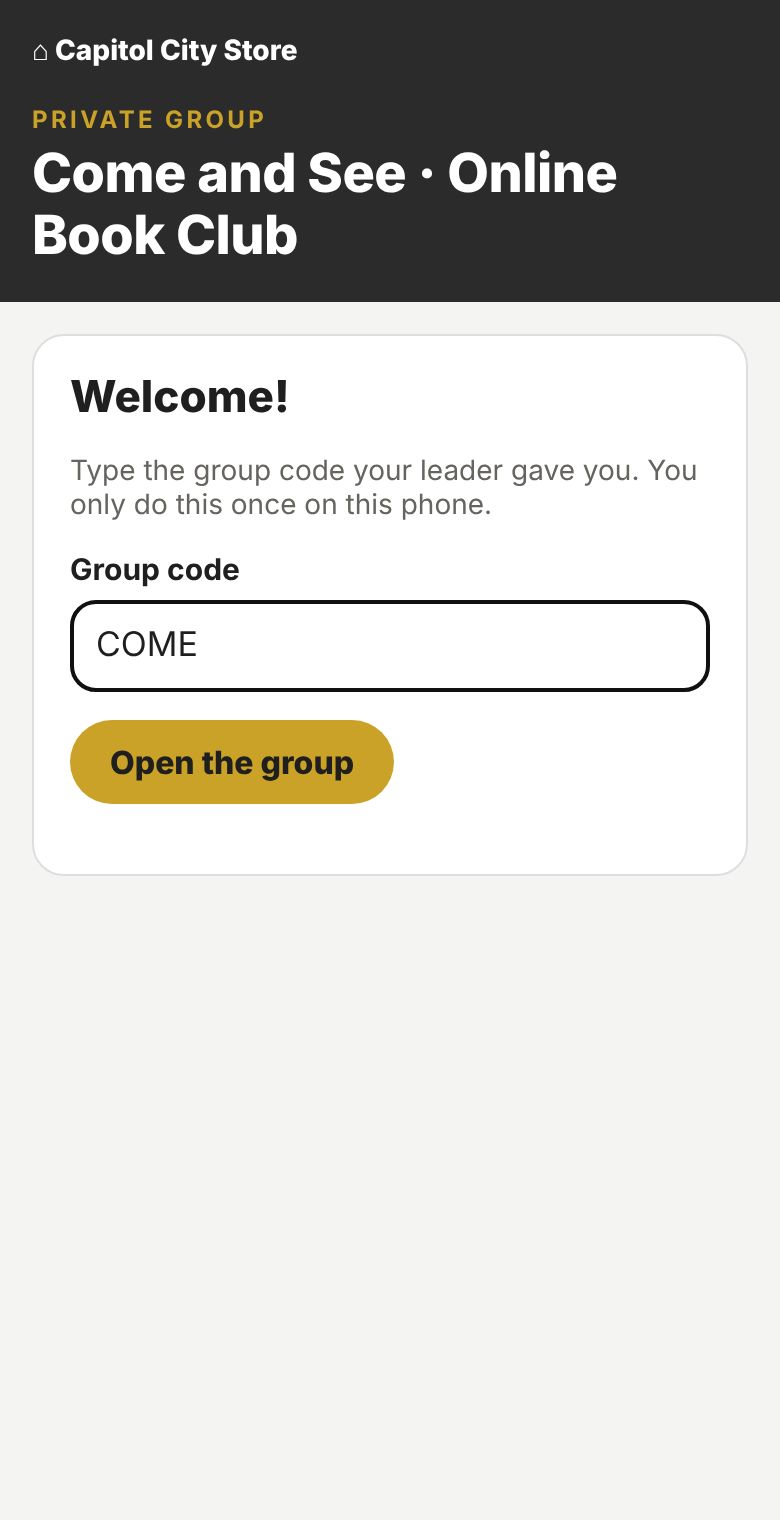
After you ask to join, your group leader sends you a link and a short group code. Open the link on your phone and type the code once. Your phone remembers it after that.
Your name and photo
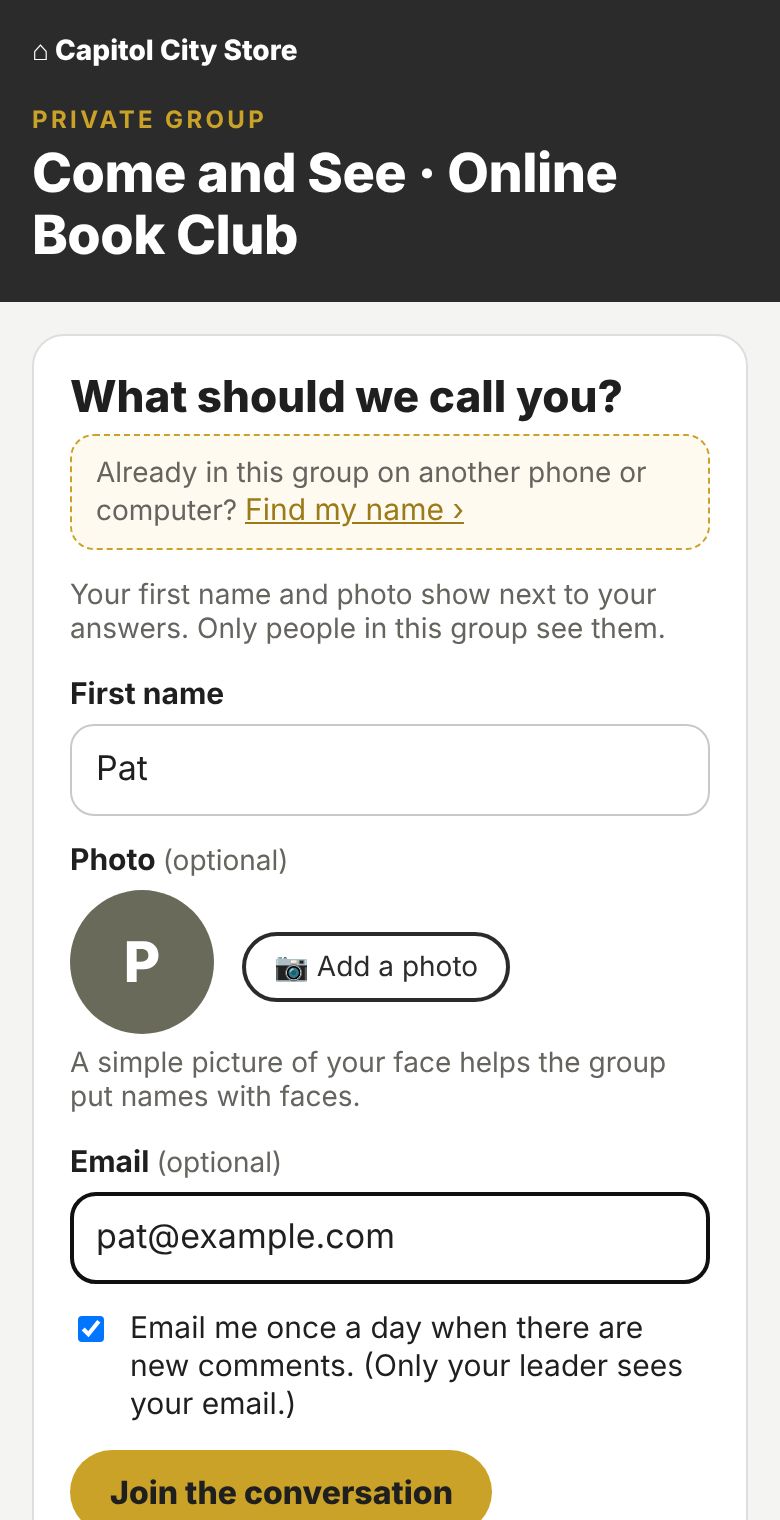
Type your first name. Add a photo of your face if you like, so the group can put names with faces. Add an email if you’d like a reminder before answers are due and a short note when someone posts or replies to you.
Only your group sees your answers and photo. Only your leader sees your email.
New phone or computer? Tap Find my name and pick up right where you left off.
See this week’s reading and questions
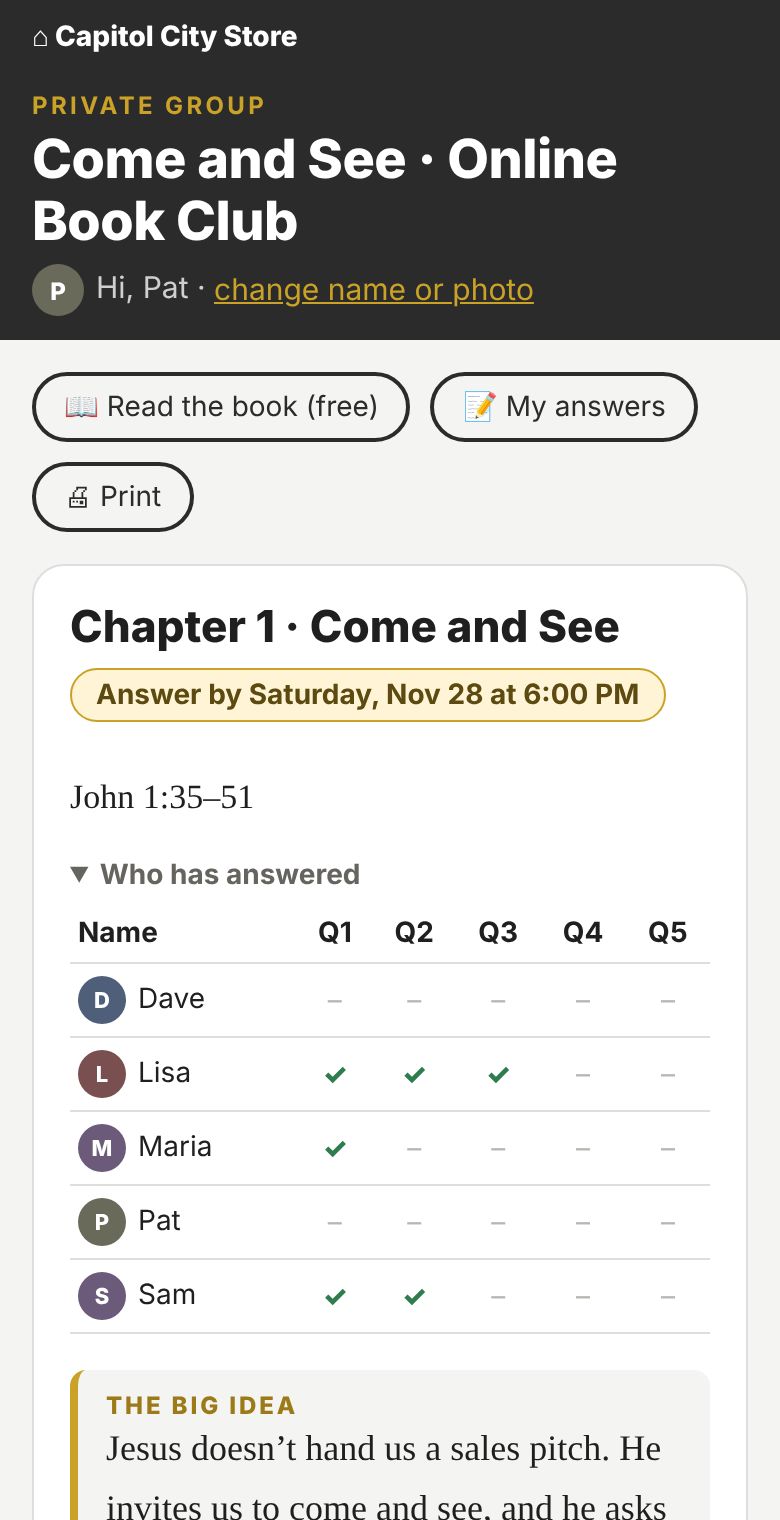
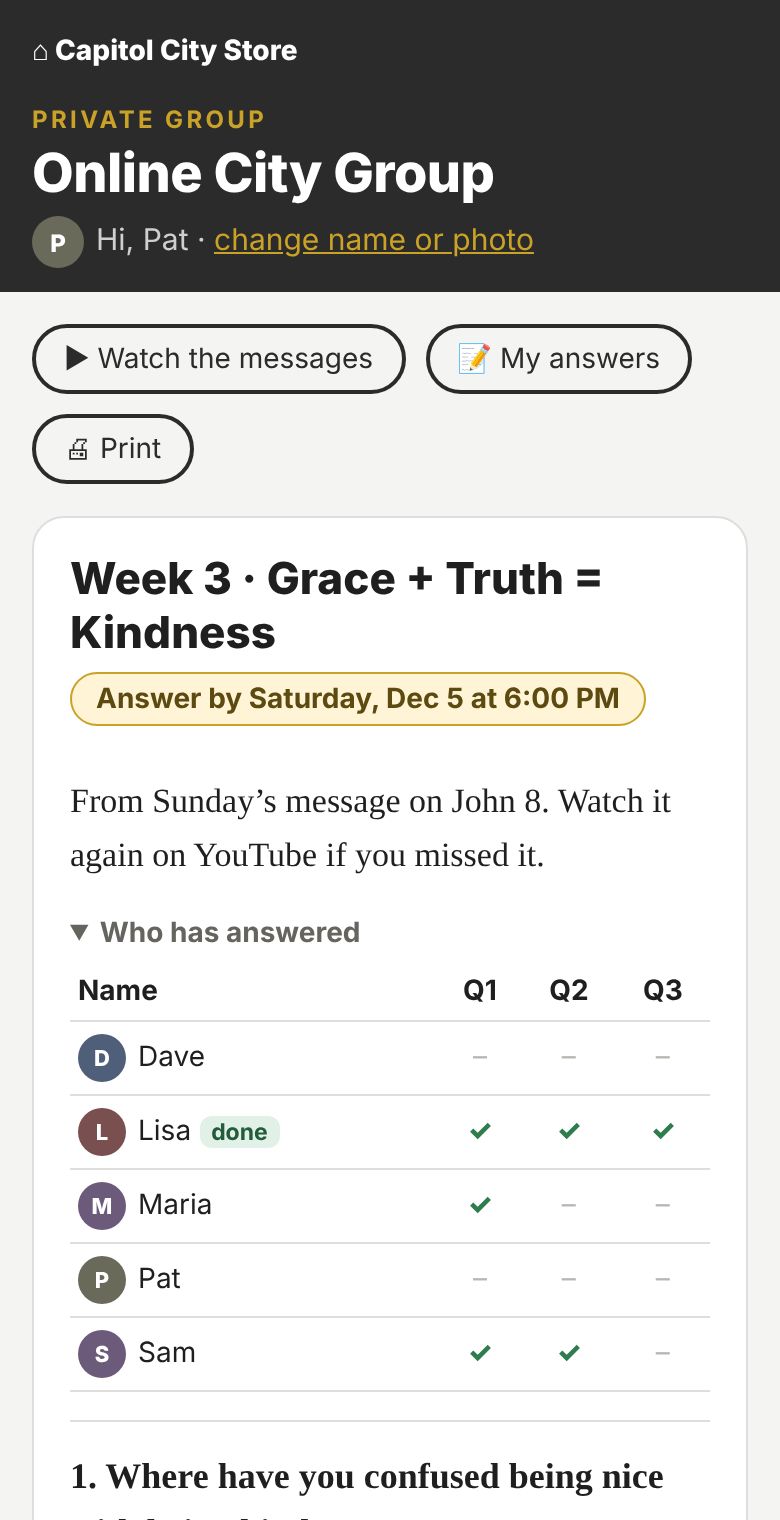
Each week opens on a schedule. You’ll see the due time at the top (“Answer by Saturday at 6:00 PM”) and a checklist of who has answered.
In a book club, the chapter is right there to read, with the questions built into the reading. In a City Group or Bible study, you’ll see the week’s questions.
Share your thoughts
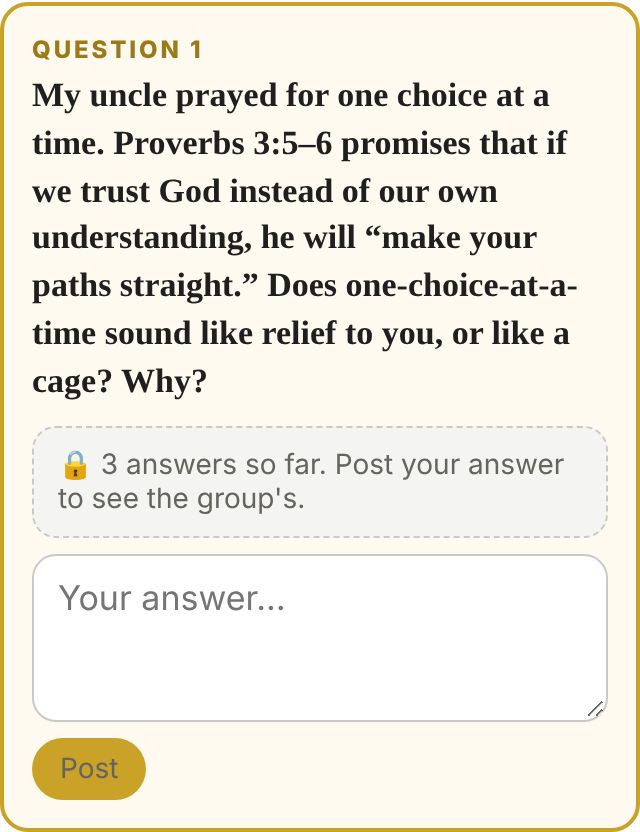
Type what you think in the box and tap Post. Everyone else’s answers stay hidden until you post yours, so each person thinks it through for themselves first.
Talk it over
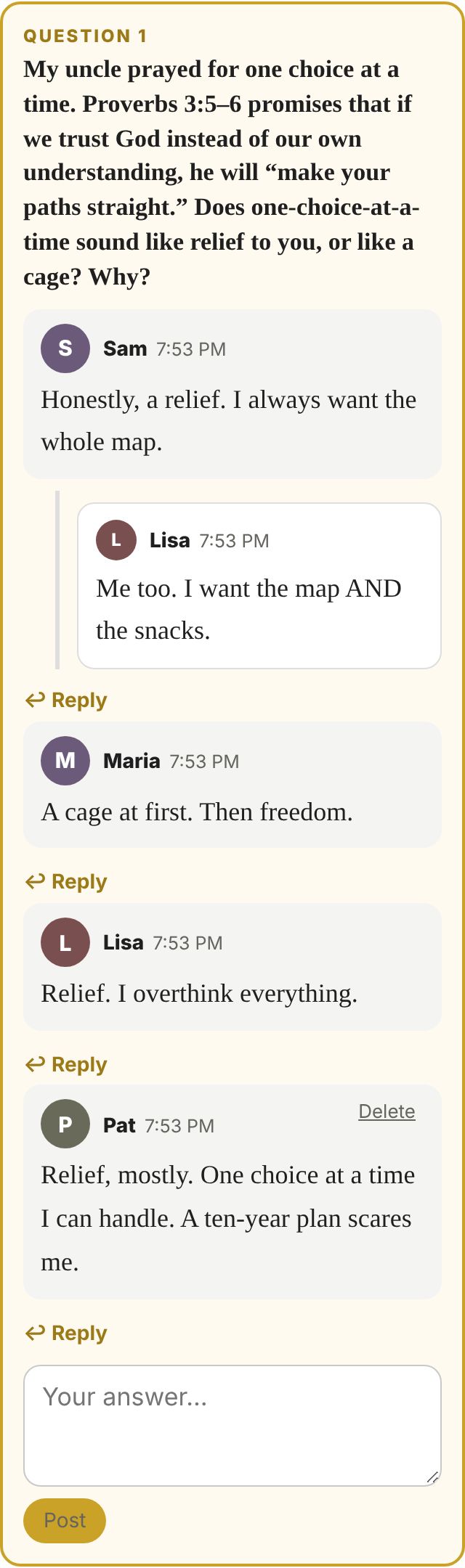
As soon as you post, you’ll see what everyone else said. Tap Reply under anyone’s answer to keep the conversation going, just like around the table. Come back during the week as more people join in. You can delete anything you wrote at any time.
Stay on track together
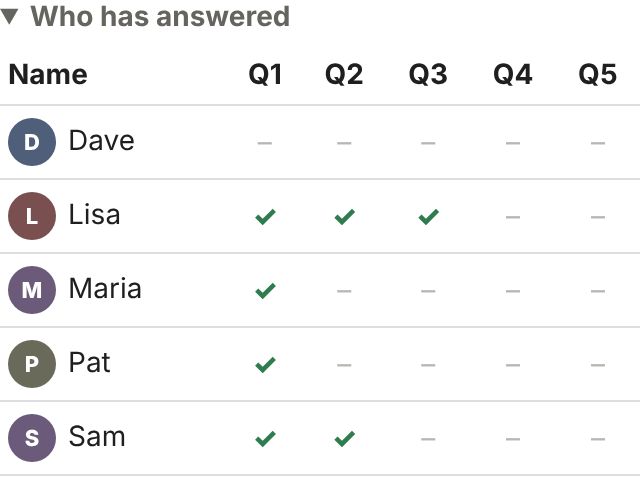
A simple checklist shows who has joined in each week. If someone hasn’t by the due time, a 🚩 lets the leader know to check in personally. Not to scold, just to care. We’re in this together.
Keep your answers
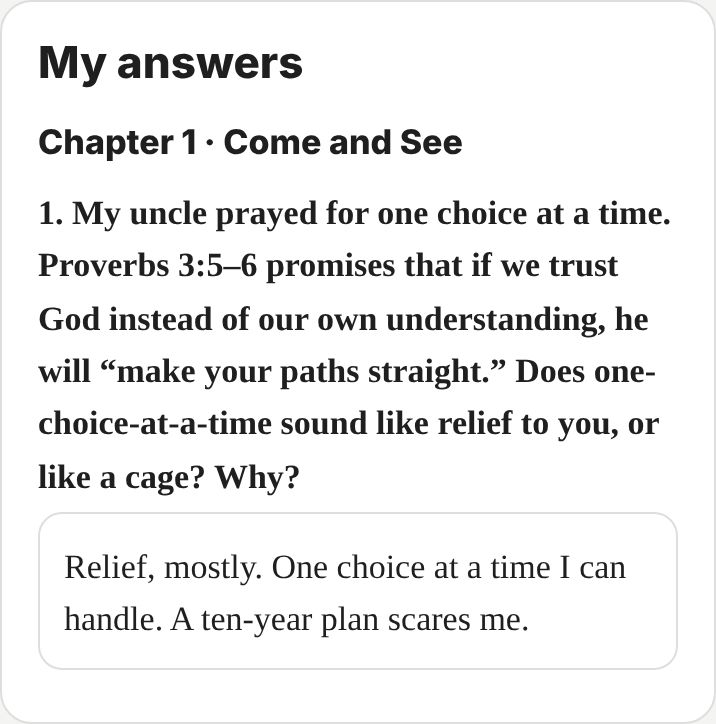
Tap My answers to see everything you’ve written in one place. Tap Print to keep a copy. When a study ends, everything is cleared for everyone’s privacy, so print what you want to keep.
Ask to join
We’ll send you the link and the code before your group starts.
Questions
Should I join online or in person?
In person, if you can. Sitting in a room together, praying for each other and sharing a meal are hard to replace. Online groups are for people who aren’t able to be part of an in-person group right now: work schedules, travel, little kids, health or distance. Many people start online and move to an in-person group later.
Can I use an online group to make up a week I miss in person?
No. Each online group is its own group, with its own people who count on each other every week. If you miss a week with your in-person group, your leader will catch you up.
Do I need to download an app or make an account?
No. It all happens on this website. You just need the link, the code and your first name.
Who can see my answers?
Only the people in your group. Each group is password-protected with its own group code, and groups are hidden from Google. Keep anything very personal for an in-person conversation.
I got a new phone (or I’m on a computer). How do I get back in?
Open the group link, type the code, then tap Find my name. If you joined with an email, type it to make sure it’s you. Everything you wrote is still there.
Do I have to add a photo?
No. Photos are optional. Without one, the group sees a circle with your first initial.
What if I fall behind?
Jump back in any time. Anything you post after the due time just shows as “late.” Your leader will check in with you. No guilt, just care.
Are in-person groups going away?
No. In-person groups are still our first choice. Online groups use the same questions as our in-person City Groups and Bible studies, for people who can’t be part of one.
I want to lead an online group.
Great! Ask to join and mention it in the note. You can also read how leading an online group works.